Where Do the 40 Minutes Go? How to Time a Clinic Visit and Find the Bottleneck
If you own or manage a hospital or clinic, you probably know how long a consultation takes. But do you know how long a patient's whole visit takes, and where each minute goes?
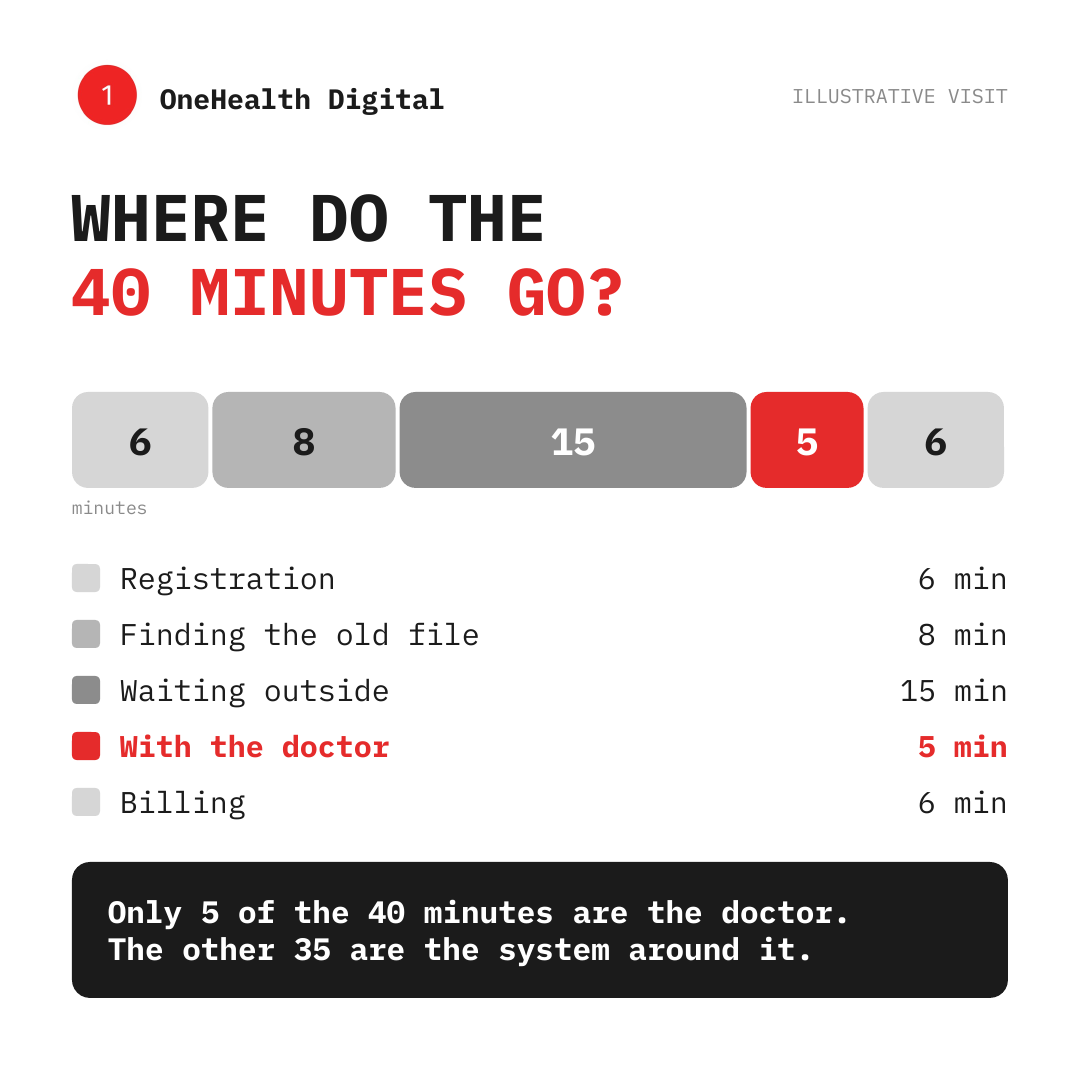
The graphic below is an illustration, not a benchmark: a 40-minute visit in which only five minutes are with the doctor. Your numbers will differ. The pattern is worth looking for in your own practice.
The five stages of a typical visit
- Registration. Name, details, visit reason, payment method.
- Finding the old file. Locating previous visits, prescriptions and test results.
- Waiting outside. Time before the doctor is ready.
- With the doctor. The consultation itself.
- Billing. Charges, payment and receipts.
In the illustration, registration takes 6 minutes, finding the file 8, waiting 15, the consultation 5 and billing 6. Only one of those five stages is the part patients actually came for.
Try the exercise tomorrow
You need a notebook and one morning.
- Pick three or four patients across the day, and let your team know what you are doing.
- For each patient, note the time they arrive and the time each stage starts and ends.
- Add up the minutes per stage across all the patients.
- Find the stage that takes longest, and the stage that varies most.
You will almost certainly find that one step takes far more time than the others. That is your first fix.
What the longest stages usually have in common
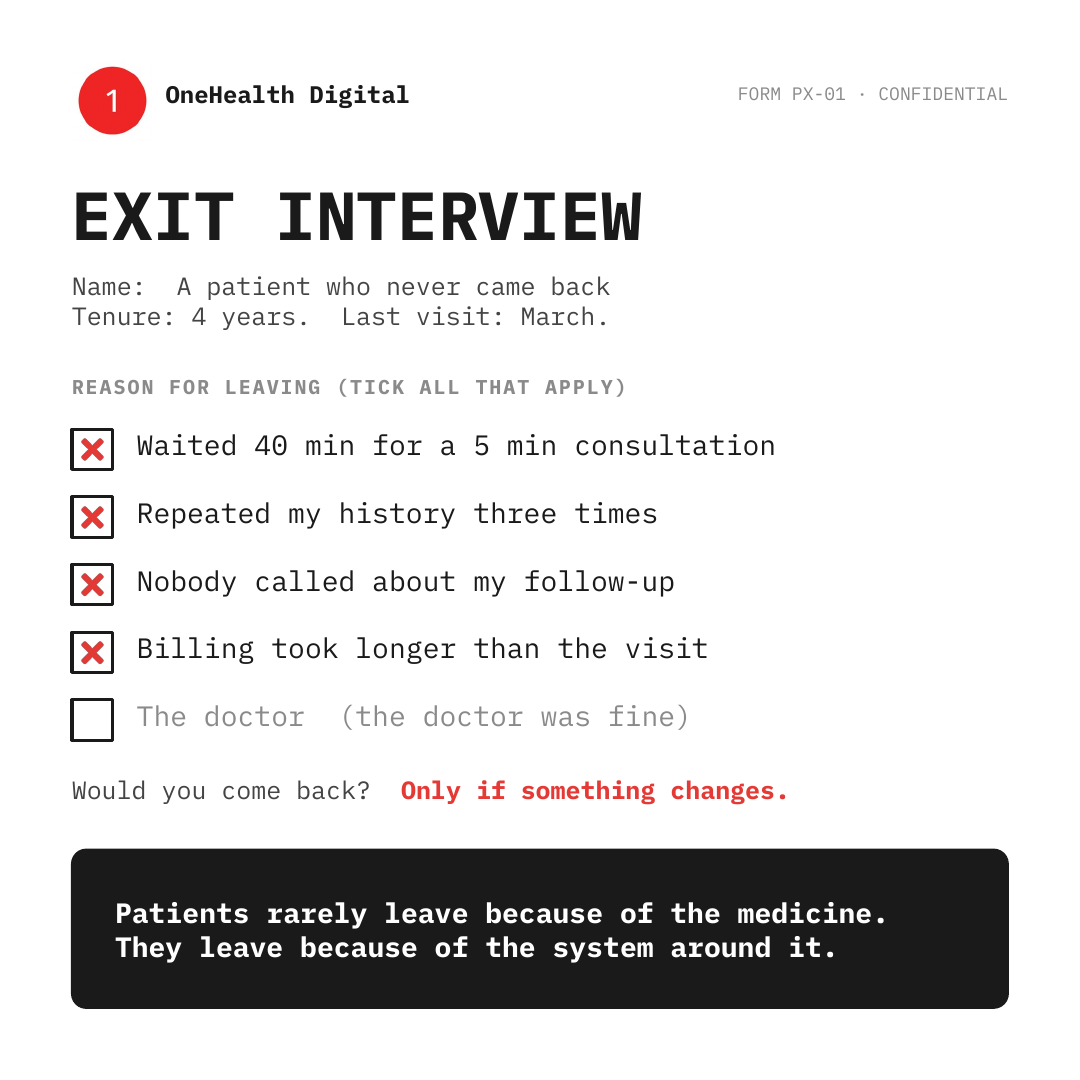
The slowest steps tend to be the ones that depend on finding, re-entering or confirming information: searching for a file, asking the same history again, checking whether a follow-up is due, or reconciling bills. These are system problems rather than people problems. A receptionist is not slow because they are careless, but because they are doing three jobs that the software should do once.
Small changes that help
- Keep each patient's records, appointments and follow-ups in one place.
- Send appointment reminders so schedules hold.
- Track follow-ups automatically instead of by hand.
- Let the front desk see the full picture for the patient in front of them.
How OneHealth Digital helps
OneHealth Digital is an integrated healthcare platform for hospitals and clinics. It brings patient records, appointment booking, reminders and follow-ups, and practice management onto one platform, so your team spends less time on the system and more time on patients.
Learn more at onehealthdigital.com.